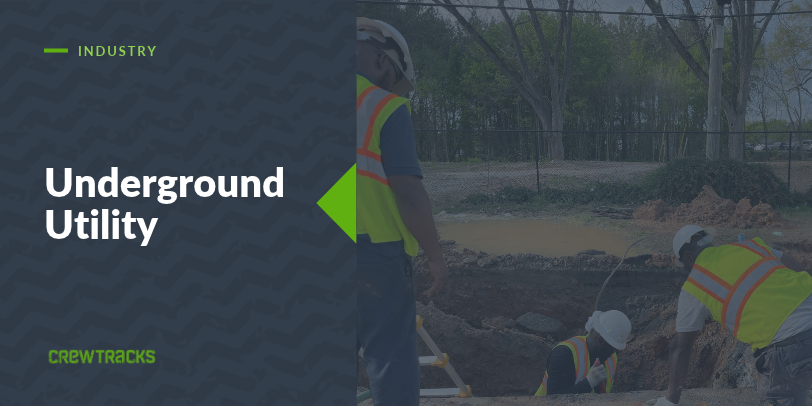
Utility and underground work gets paid by the foot. Linear feet of pipe laid, linear feet of conduit pulled, or a flat price per manhole, structure, or service tap. Utility contractor field management software that only counts hours is missing the number your invoice is built on.
That matters more here than almost anywhere else. When you bill by the unit, the footage your crew actually installed is your revenue. If it gets logged late, logged wrong, or logged in a notebook that rides around in a truck, your billing is only as good as somebody’s memory.
How Utility Crews Typically Track Work Today
Most underground crews still run on paper timecards, a foreman’s notebook for footage, and a spreadsheet the office builds at the end of the week (or the end of the month). The foreman knows what the crew put in the ground. The office finds out later, usually when someone has to put together a pay application.
So the questions that decide your margin get answered after the fact. Did we install what we are about to bill for? Did that crew keep pace with the footage we bid? Nobody can say for sure until the paperwork catches up.
What Underground Utility Crew Tracking Actually Needs
For a utility subcontractor, a tracking setup needs to cover four things:
- GPS clock-in per job site, since crews move from one stretch of trench or one structure to the next
- Production entry next to the timecard, in whatever unit the work is billed in: linear feet, per manhole, per structure, or something else
- Job-level assignment, so hours and footage land on the right job instead of a general bucket
- A daily report tied to the work, capturing what got installed and anything that slowed the crew down
Take away the production piece and you can see how long the crew worked, but not what they got done.
Where Production Tracking Meets Billing
Here is why production tracking matters so much for utility work.
CrewTracks does not hand you a preset list of units. The foreman defines the unit, so linear feet, per manhole, per structure, or whatever your contract is priced on all work. Then they log what the crew actually installed as the job runs. The production module shows that as a bar graph: budgeted units against actual units, on every job, while the work is still going.
That gives the office a running count of what has been installed, logged by the foreman in the field instead of rebuilt later from notes. When billing time comes, you are working from numbers that were recorded as the work happened.
One thing to know up front. The graph stays in units. It does not calculate dollars or labor cost for you. What it shows is whether the crew is ahead of or behind the footage you budgeted, which is enough to add a crew, shift equipment, or have a conversation with the GC while there is still time to change the outcome. We have written more about how production tracking works on a job site, and the same idea applies here. If you want to see how it plays out in another piece-rate trade, our post on production tracking for excavating contractors is a good companion.
Why Generic Time Apps Fall Short for Utility Work
A generic time clock has nowhere to log linear feet, manholes, or structures. There is nothing to compare against what you bid or what you plan to bill.
So footage lives in one place, whether that is a notebook, a text message, or a spreadsheet, and hours live in another. Neither one talks to the other, and somebody in the office ends up matching them by hand.
How CrewTracks Works for Utility and Underground Crews
CrewTracks connects the field and the office in one app. Crews clock in from their phones, GPS-verified to the job site. The foreman logs production in the unit the work is billed in. Daily reports sit on the same job record, so the office sees hours and production together while the job is running.
Southern Utility Group runs their company on it. Here is what they told us:
“Crew Tracks has become the foundation to how we run our company. From tracking crew production, managing profit margins, quality control, all the way to improving our billing cycle”
Southern Utility Group
In the same survey, Southern Utility Group reported saving about $500 a month in billing accuracy and cutting admin time from 15 hours per person to 5. Those are their own self-reported numbers, and every company’s results will be different. But it tells you where they felt the change: in the billing cycle.
You already know how your work gets bid and billed. We are not asking you to change how you run a crew. We just want the data behind it to keep up, so the footage in your billing matches the footage in the ground.
If you run a utility or underground crew and want to see what this looks like for how your jobs are billed, talk to the team. We would love to hear from you!