Skip to content

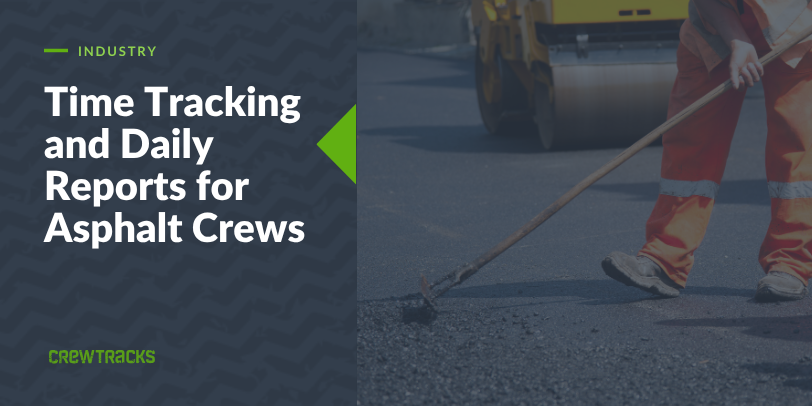
If you have ever closed out an asphalt job and only realized it ran over budget once it was too late to do anything about it, you are not the only one. Paper timecards and tonnage tickets do not talk to each other until someone sits down and reconciles them by hand, usually after the job is already done.
Asphalt jobs are bid by the ton, the square yard, or the lane-foot. That means your field data has to capture production alongside hours, or your numbers do not match how the job was actually priced.
Weather and paving schedules add another layer. A rained-out crew or a load that does not show up changes the day, and the office needs to know right away, not at the end of the week.
How Asphalt Crews Typically Track Time Today
Most asphalt crews are still running on paper timecards and tonnage tickets from the plant. The foreman reconciles both at the end of the day, or sometimes not until the end of the week.
By the time the office sees the numbers, the job that ran over is already finished. There is no way to catch a problem while it is still fixable.
What Asphalt Time Tracking Actually Needs
For an asphalt contractor, a time tracking setup needs to cover four things:
- GPS clock-in per job site, since crews often move between more than one site in a day
- Production entry alongside the timecard, whether that is tons placed, square yards, lane-feet, or whatever unit the job was bid in
- A daily report that reflects the schedule, so weather delays and schedule shifts are documented as they happen
- Same-day visibility for the office, not a Friday reconstruction of the week
Without the production piece, hours alone do not tell you whether a job is running ahead of or behind the bid rate.
The Production Tracking Angle
Here is why production tracking matters for asphalt specifically:
If a job is bid at a certain tonnage per crew-hour, and the field data shows the crew falling behind that rate, you need to know the same day, not after the job closes out. Comparing tons placed against crew hours in near real time catches an overrun while there is still time to adjust the schedule or the crew.
That is a different thing than tracking hours by themselves.
Why Generic Time Apps Fall Short
Generic time tracking apps have no place to log tonnage, square yards, or lane-feet. There is nothing to compare against a bid rate. And most were not built with a crew that moves between job sites in the same day in mind.
When a paving schedule shifts because of weather or a load that does not show, a generic app has no way to reflect that. You end up running the schedule changes on the side, separate from whatever system is tracking hours.
How CrewTracks Works for Asphalt Crews
CrewTracks connects the field and the office in one app. Crews clock in by job site, GPS-verified. The foreman logs production in whatever unit the job was bid in: tons, square yards, lane-feet, or anything else. There is no fixed list. You define the unit, and the system captures it.
Daily reports are tied to the same job record, so schedule changes, weather delays, and crew notes show up alongside the hours and production for that day. The office sees all of it in real time, not reconstructed after the fact.
You already know how to run a paving crew and how the job was bid. We are not asking you to change any of that. We just make sure the data behind it keeps up, so you find out about a problem while the job is still running, not after it closes.
If you run an asphalt crew and want to see what this looks like for how your jobs are bid, talk to the team.